[ HOW IT WORKS ]
The AI runs in your facility. Your team uses it in a browser.
Enclos combines the appliance, private workspace, workflow tools, and managed service into one on-premises AI system.
[ 02HOW IT WORKS ]
Plug in the system. Open the workspace. Use AI locally.
Enclos is designed to give your company a practical local AI system without making your team build or manage AI infrastructure.
STEP · 01
We deliver the appliance
A dedicated AI system is prepared for your team and installed in your facility.
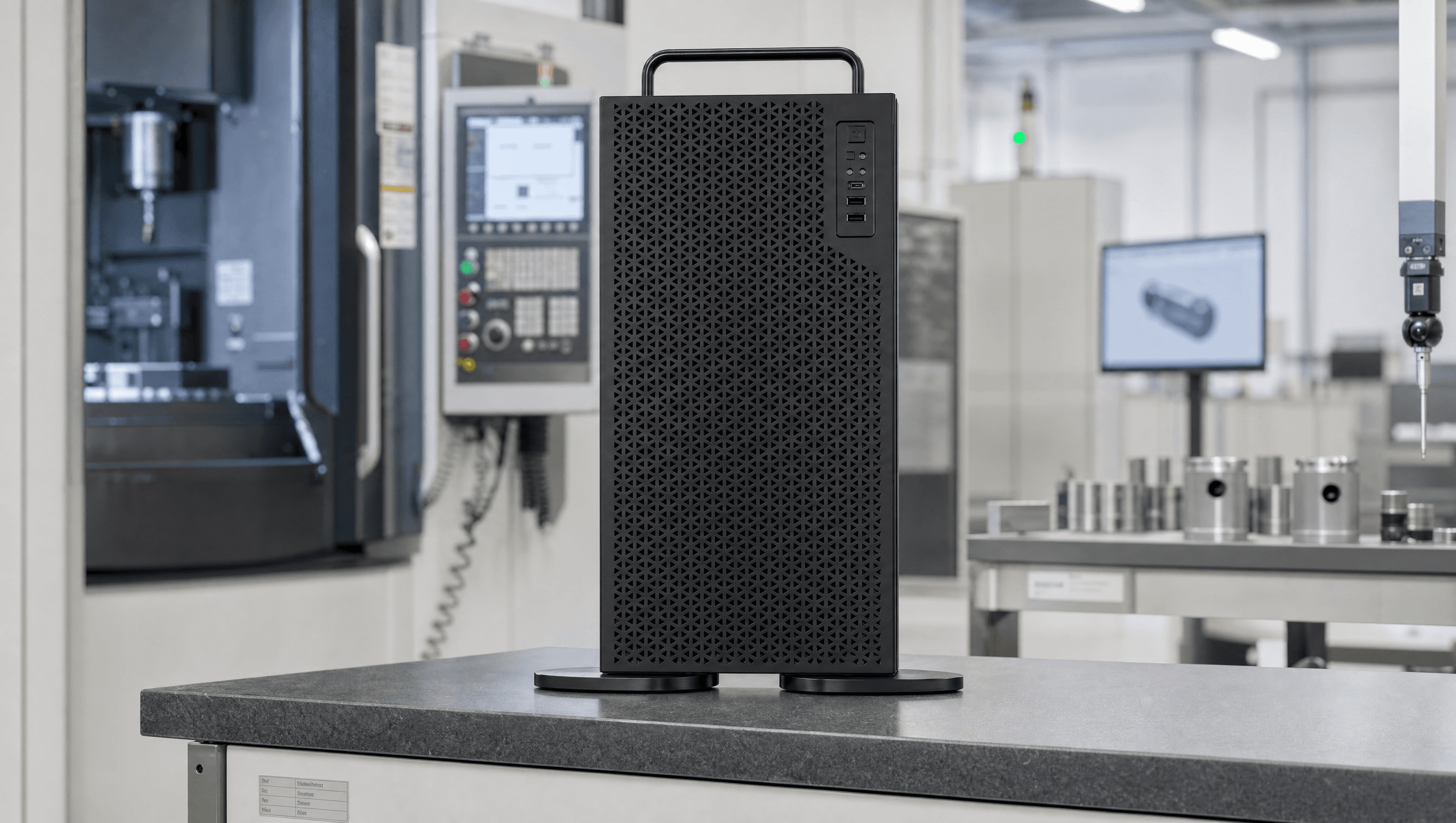
STEP 01 / 05 — WE DELIVER THE APPLIANCE STEP · 02
It connects to your network
Your team accesses Enclos through a private browser workspace.
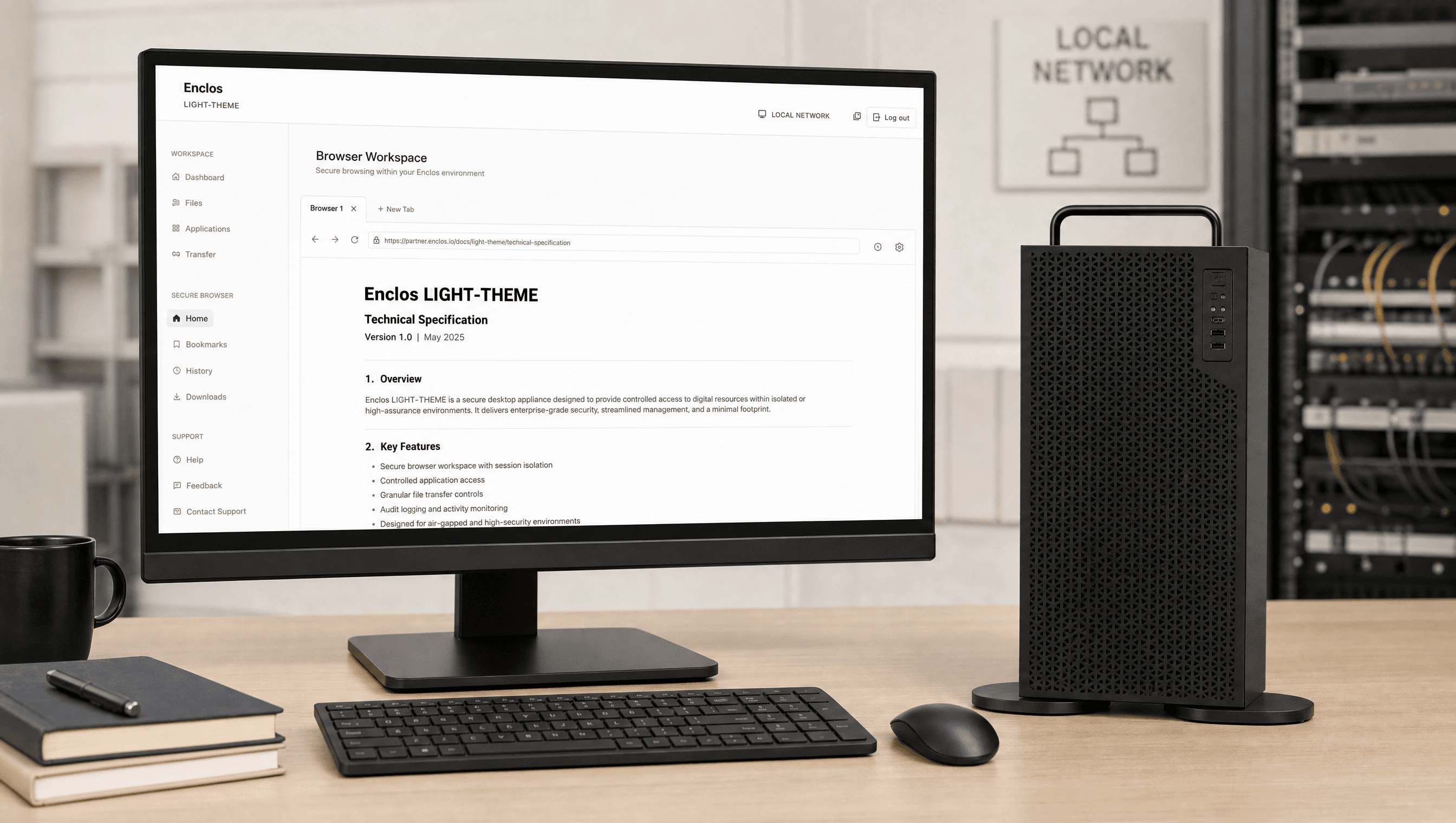
STEP 02 / 05 — IT CONNECTS TO YOUR NETWORK STEP · 03
Documents stay local
Files are stored, indexed, retrieved, and processed on the appliance.
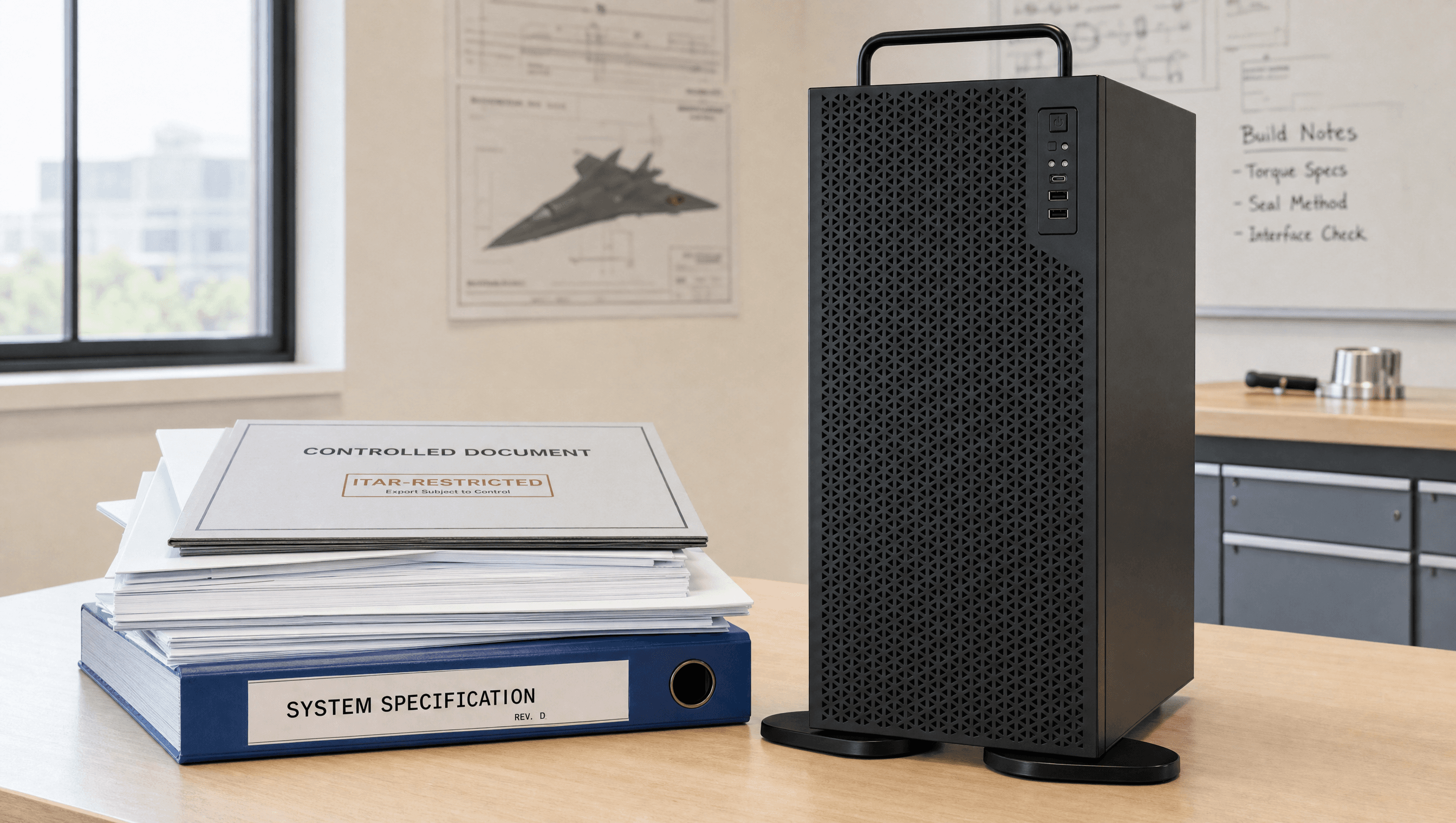
STEP 03 / 05 — DOCUMENTS STAY LOCAL STEP · 04
Your team runs workflows
Use AI for documents, summaries, drafting, local research, extraction, and review.
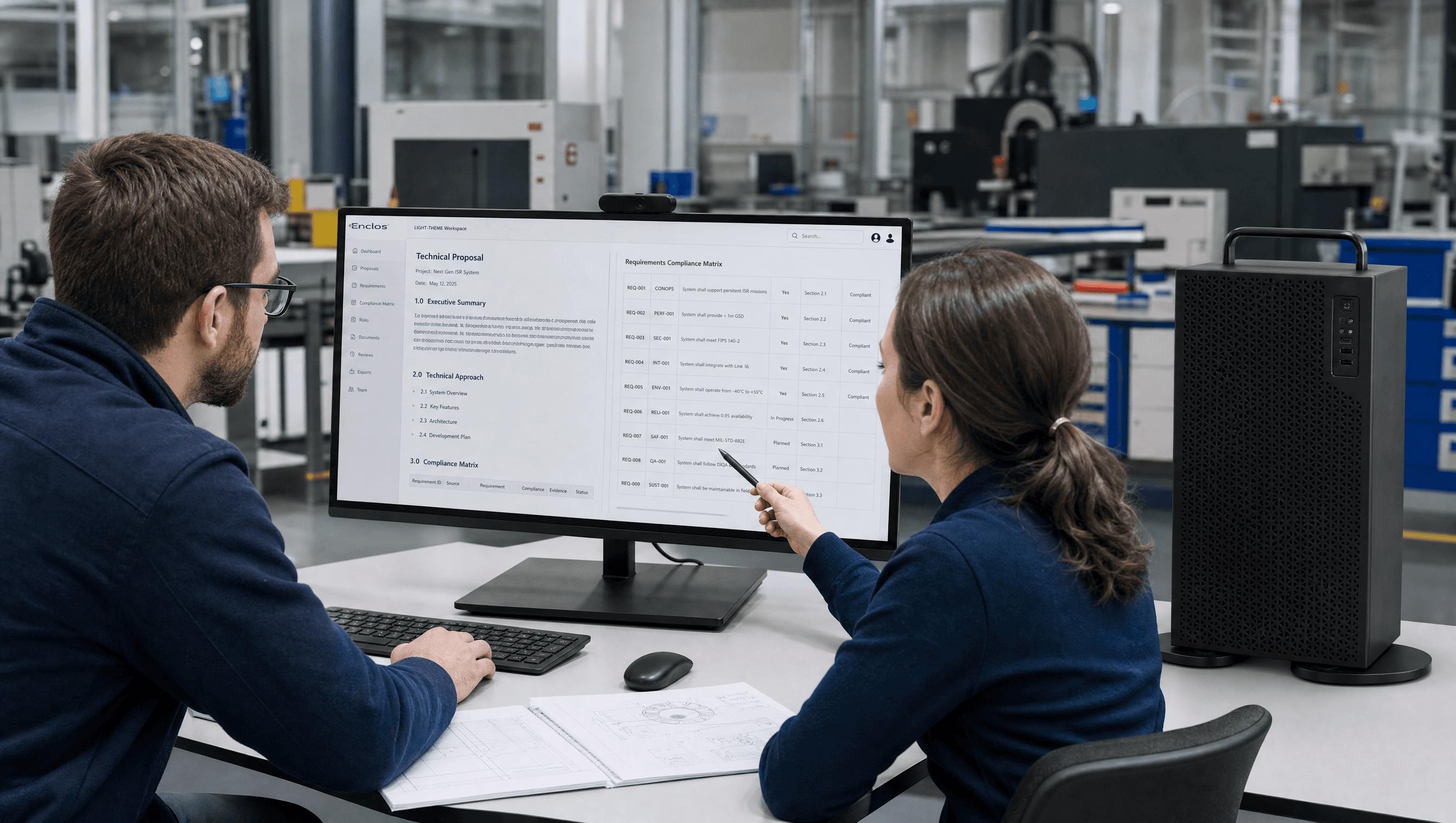
STEP 04 / 05 — YOUR TEAM RUNS WORKFLOWS STEP · 05
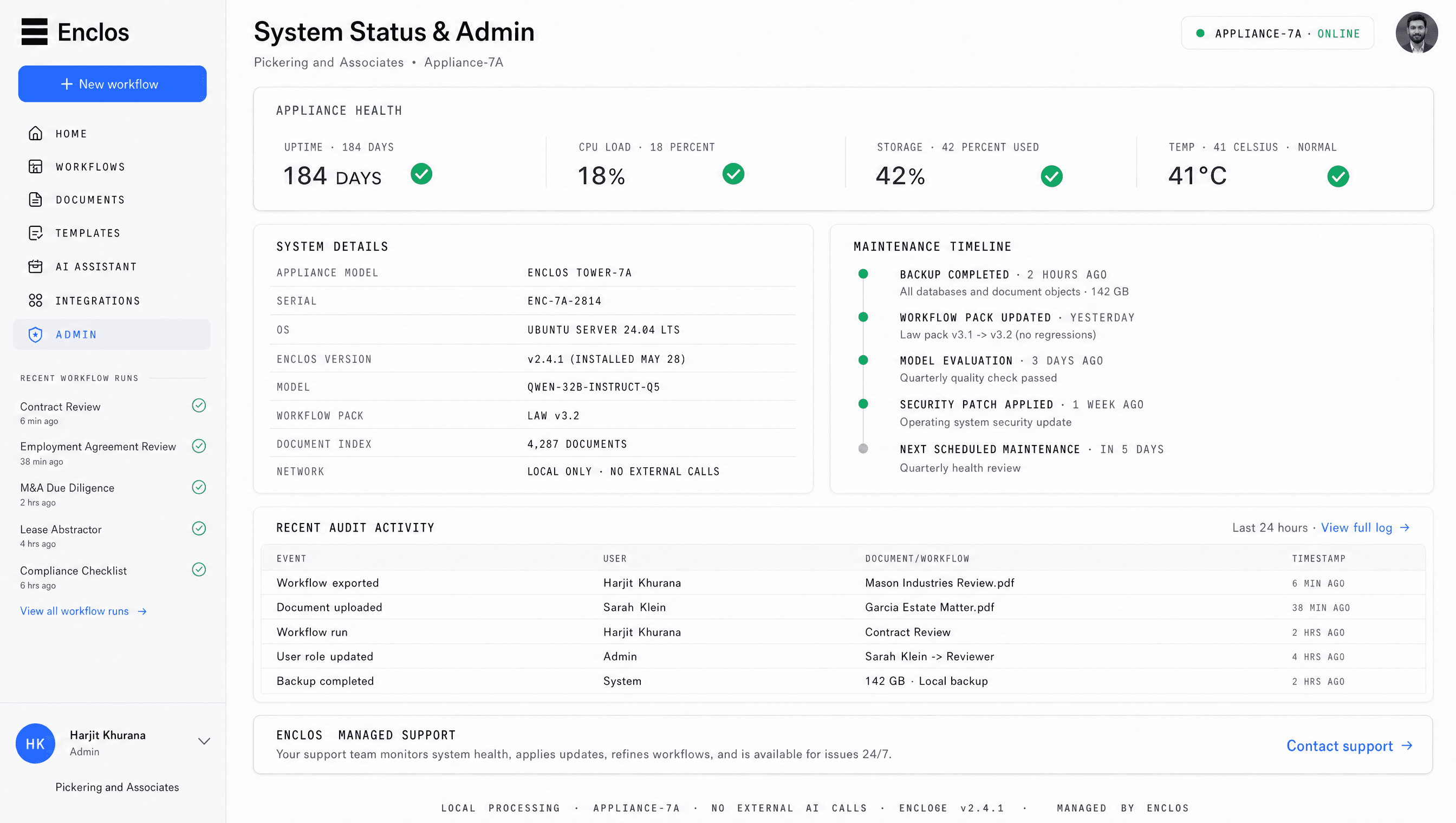
We manage the system
Enclos handles updates, support, monitoring, and system health.
STEP 05 / 05 — WE MANAGE THE SYSTEM
[ INSTALLATION ]
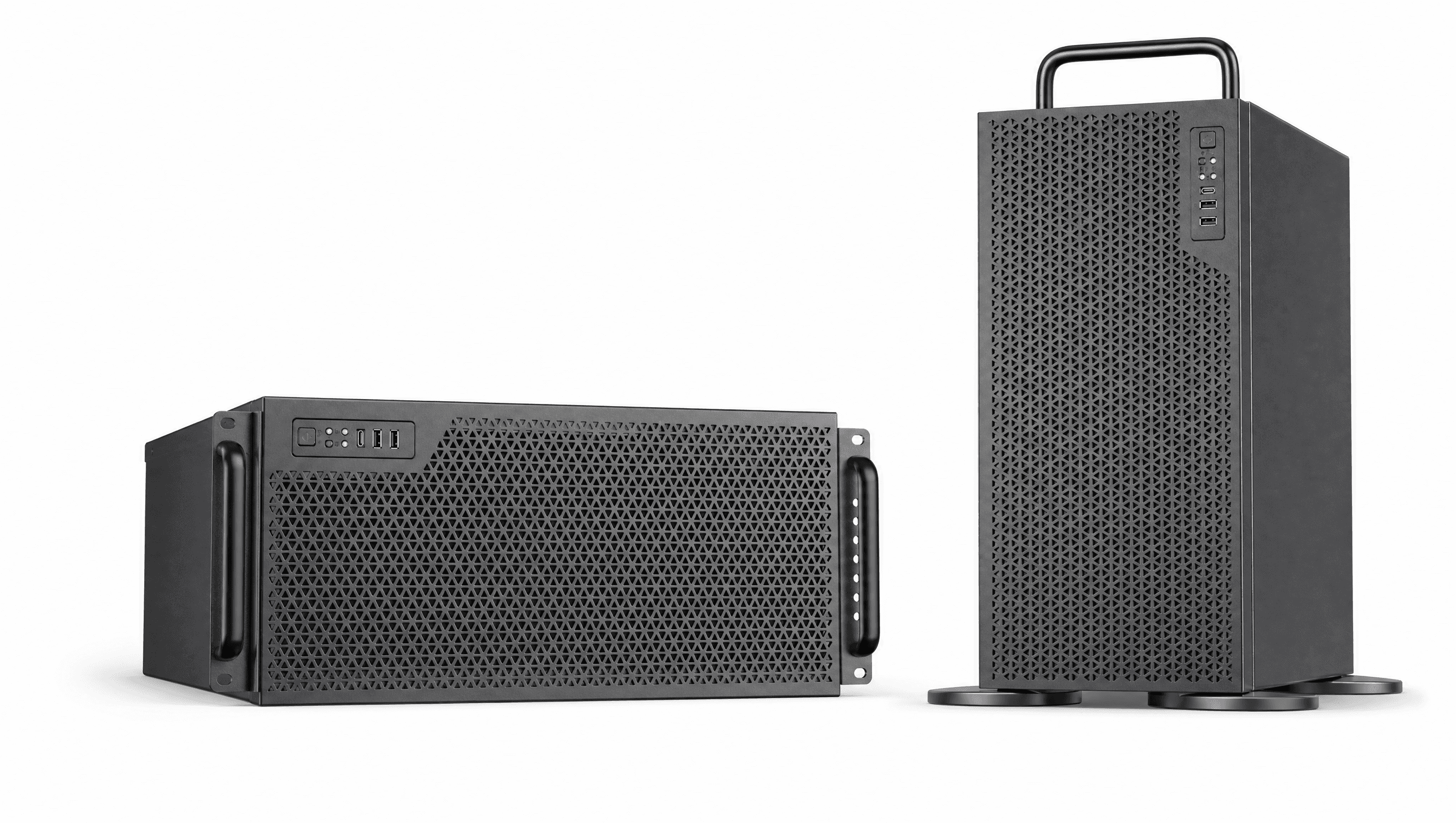
One system. Two form factors. Your architecture.
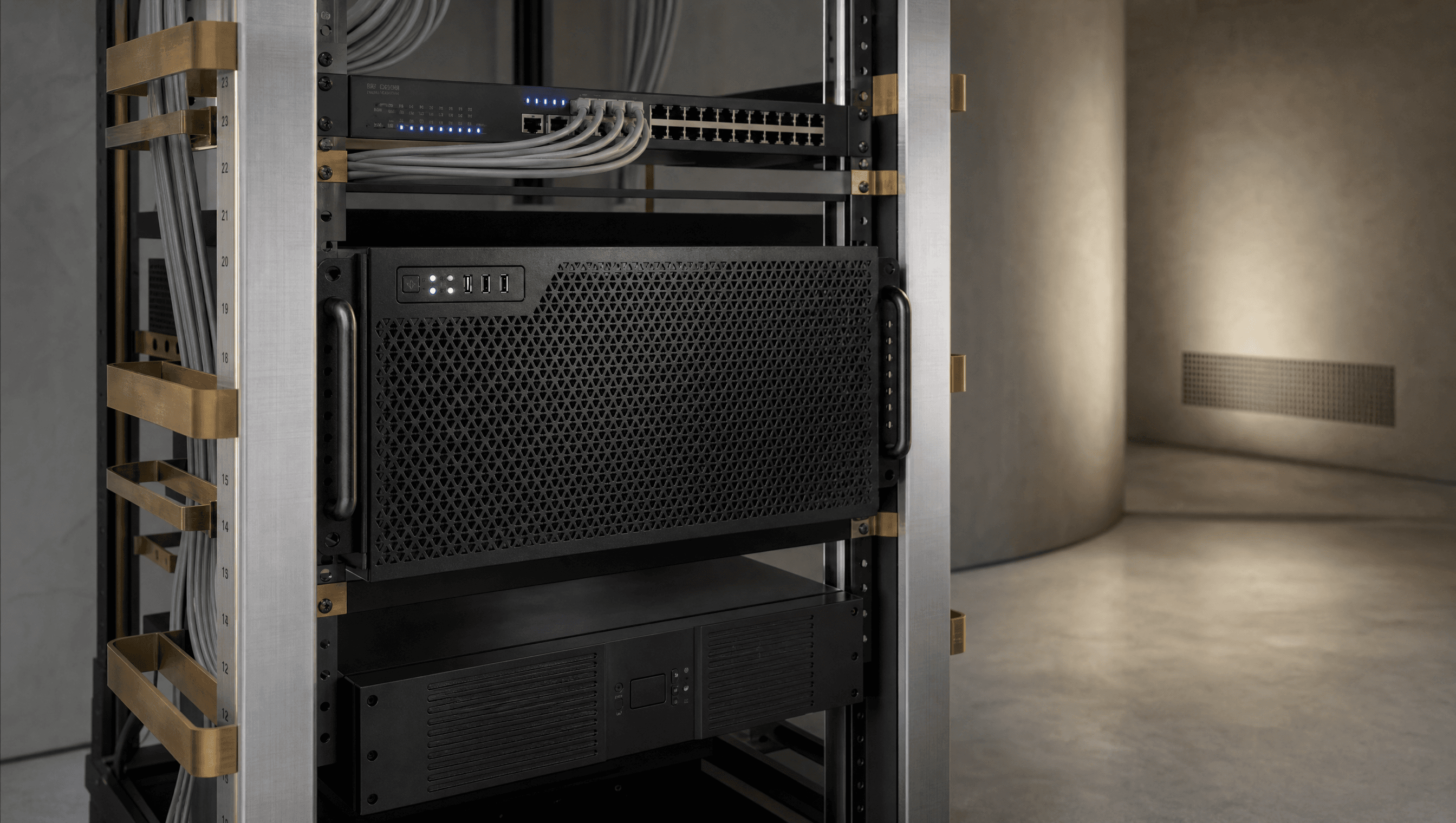
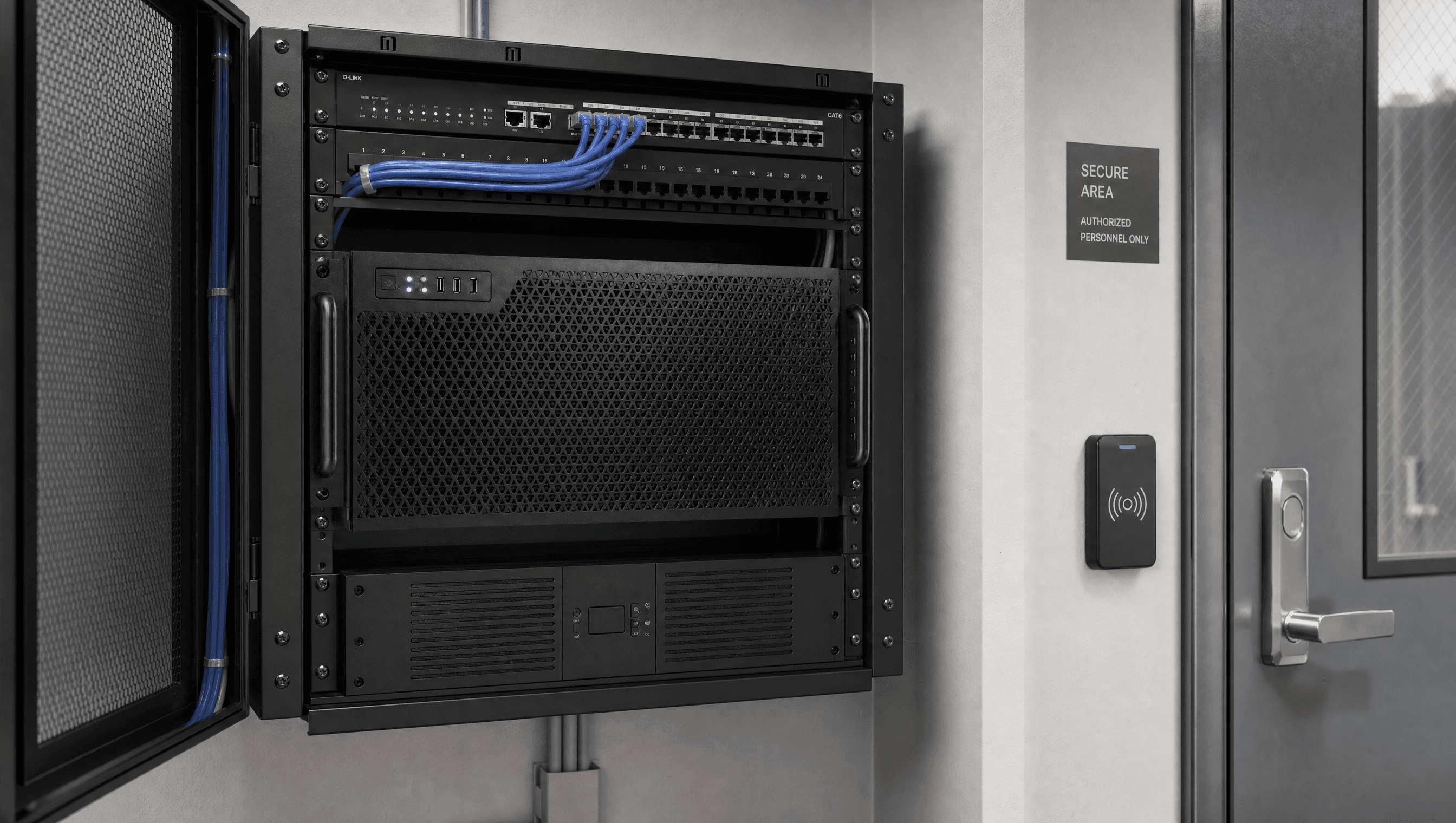
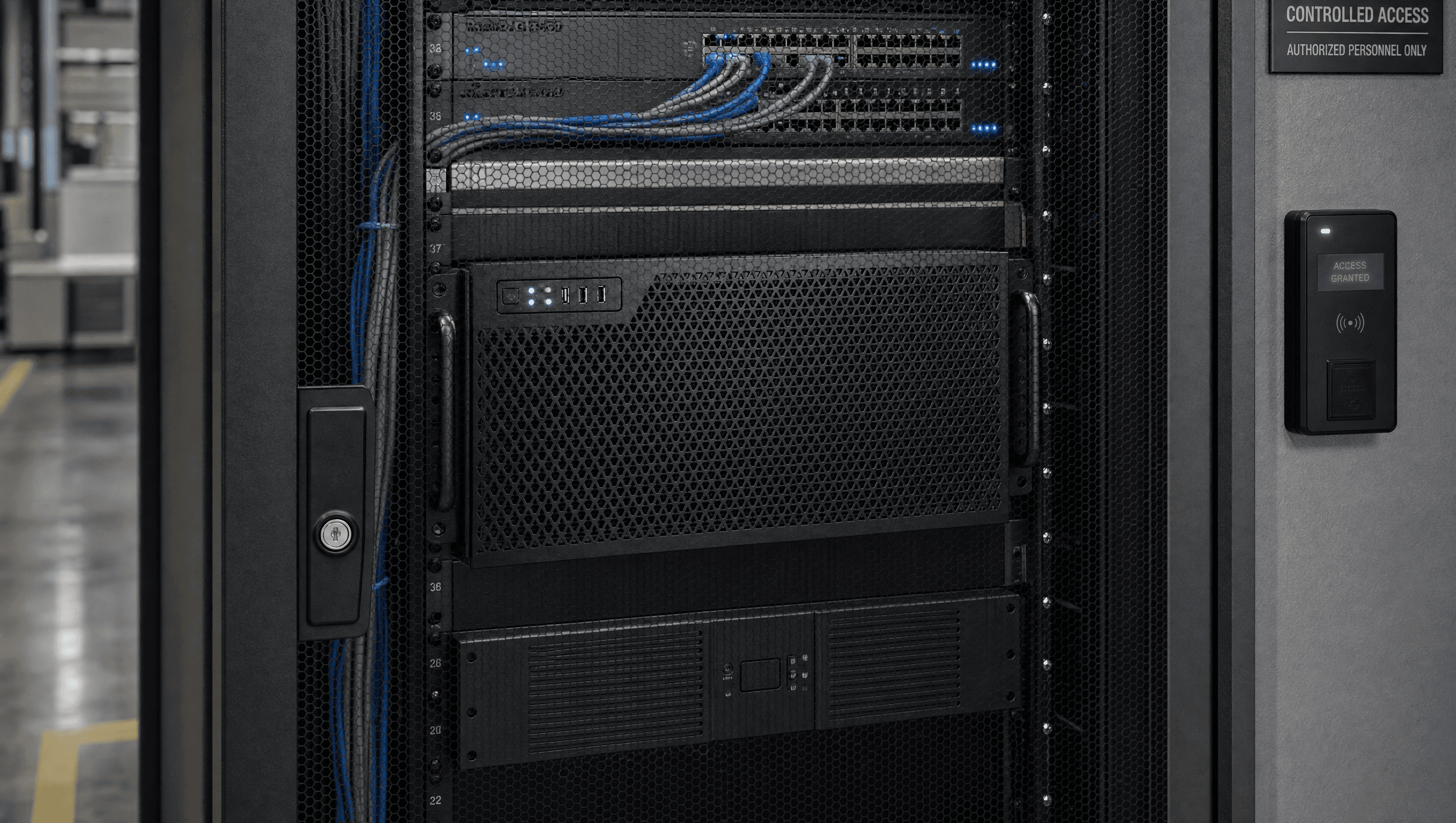
The Enclos appliance is available as a tower for a workspace placement or a rackmount unit for facilities with an existing equipment room. Either way, documents are stored, indexed, and processed locally.
[ DATA FLOW ]
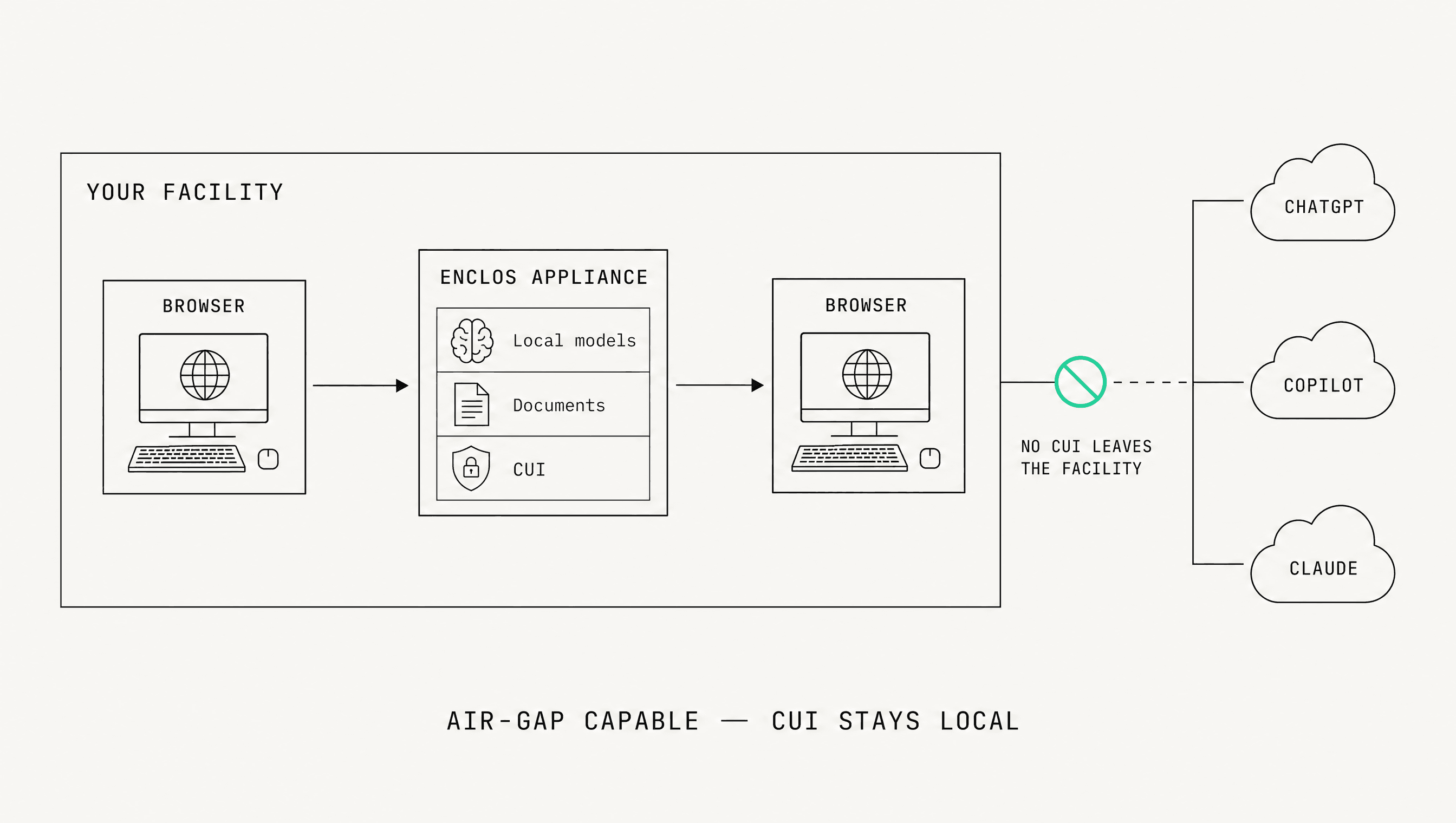
CUI stays in your facility. Nothing leaves for a cloud model.
Documents are uploaded, indexed, and processed on the appliance in your facility. The workspace runs in a browser on your network. No CUI is sent to an external AI service.
[ COMPLIANCE ]
Built to map onto the practices you are assessed against.
Enclos lines up with the NIST 800-171 practice families behind CMMC, and it is documentable in your SSP. CMMC certifies organizations, not products.
Enclos is CMMC-ready and documentable in your SSP. CMMC certifies organizations, not products.
NIST 800-171[ MANAGED SERVICE ]
We manage the system so your team does not have to.
- Setup and onboarding
- Software and model updates
- Workflow improvements
- Support and monitoring
- Backup planning
- System health reviews
[ 09BOOK A DEMO ]
See Enclos write a proposal section on your data.
See how the appliance, workspace, defense workflows, and managed service fit together, with AI writing a proposal section or checking spec compliance on your terms.
- Appliance included
- Air-gap capable
- Browser workspace
- Defense workflows
- Managed service
- CMMC-documentable
 Installed in your facility. Accessed in a browser. Managed by Enclos.