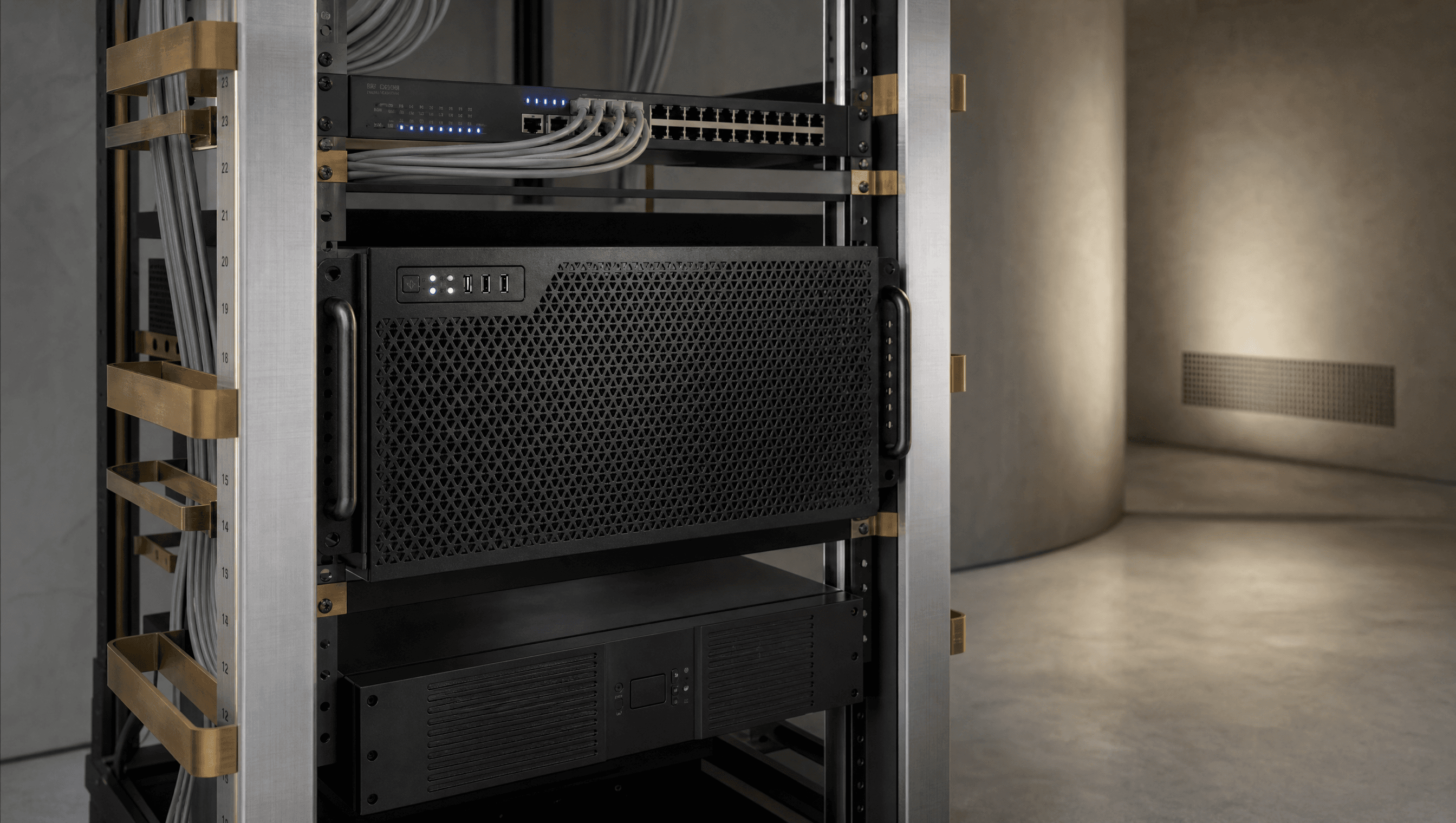
 FIG.01
AI Appliance
Installed in your facility and connected to your local network.
[ DEFENSECMMC LEVEL 2CUI ]
Enclos is a fully managed on-premises AI appliance. Write proposals faster, check spec compliance, and keep every byte of CUI inside your facility, never sent to ChatGPT, Copilot, or any cloud tool. Shipped ready. Managed by us.
Installed in your facility. Accessed in a browser. Managed by Enclos.
[ 1 ]
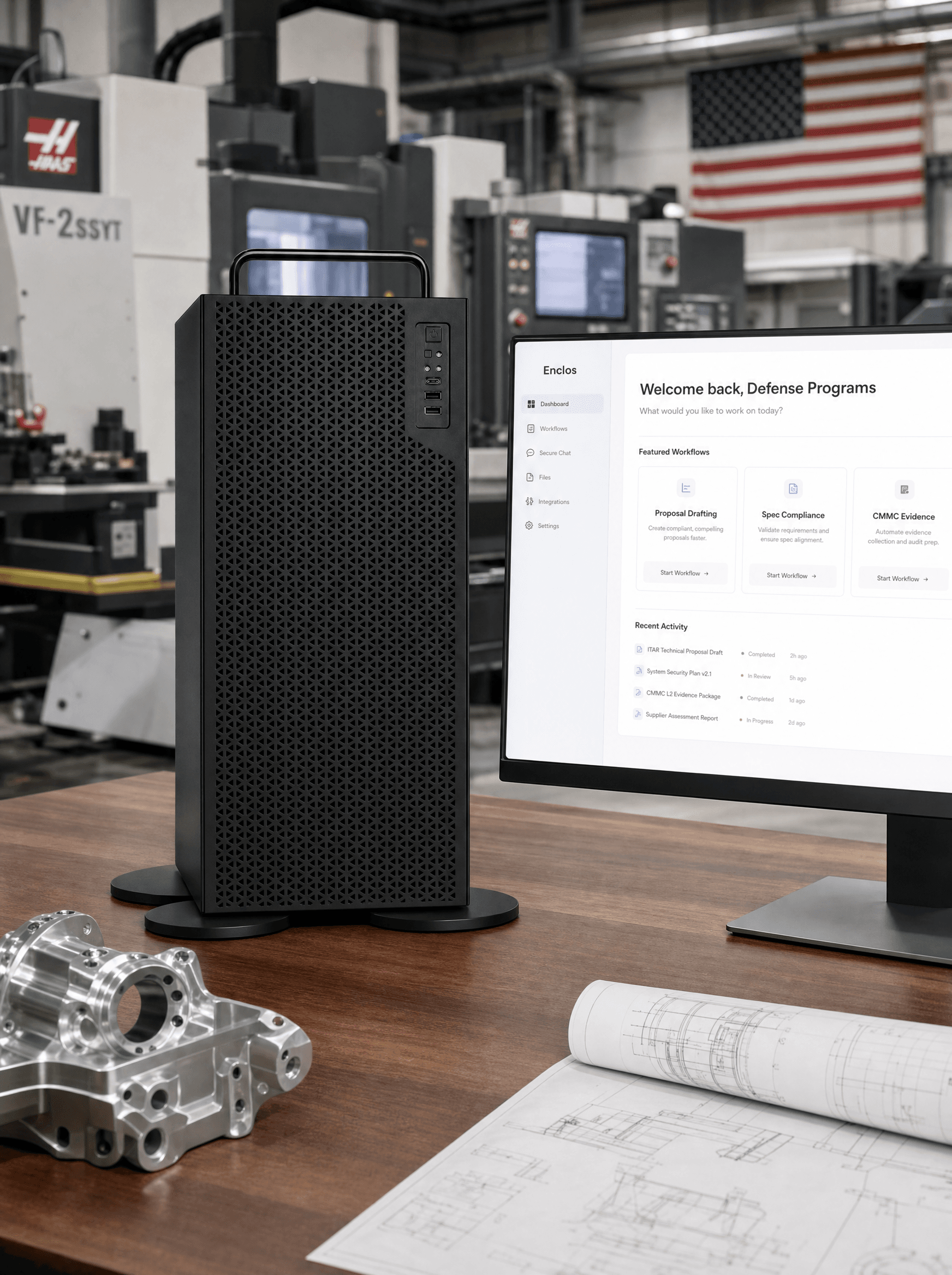
Installed in your facility.
AI processing happens on the Enclos appliance inside your facility.
[ 2 ]
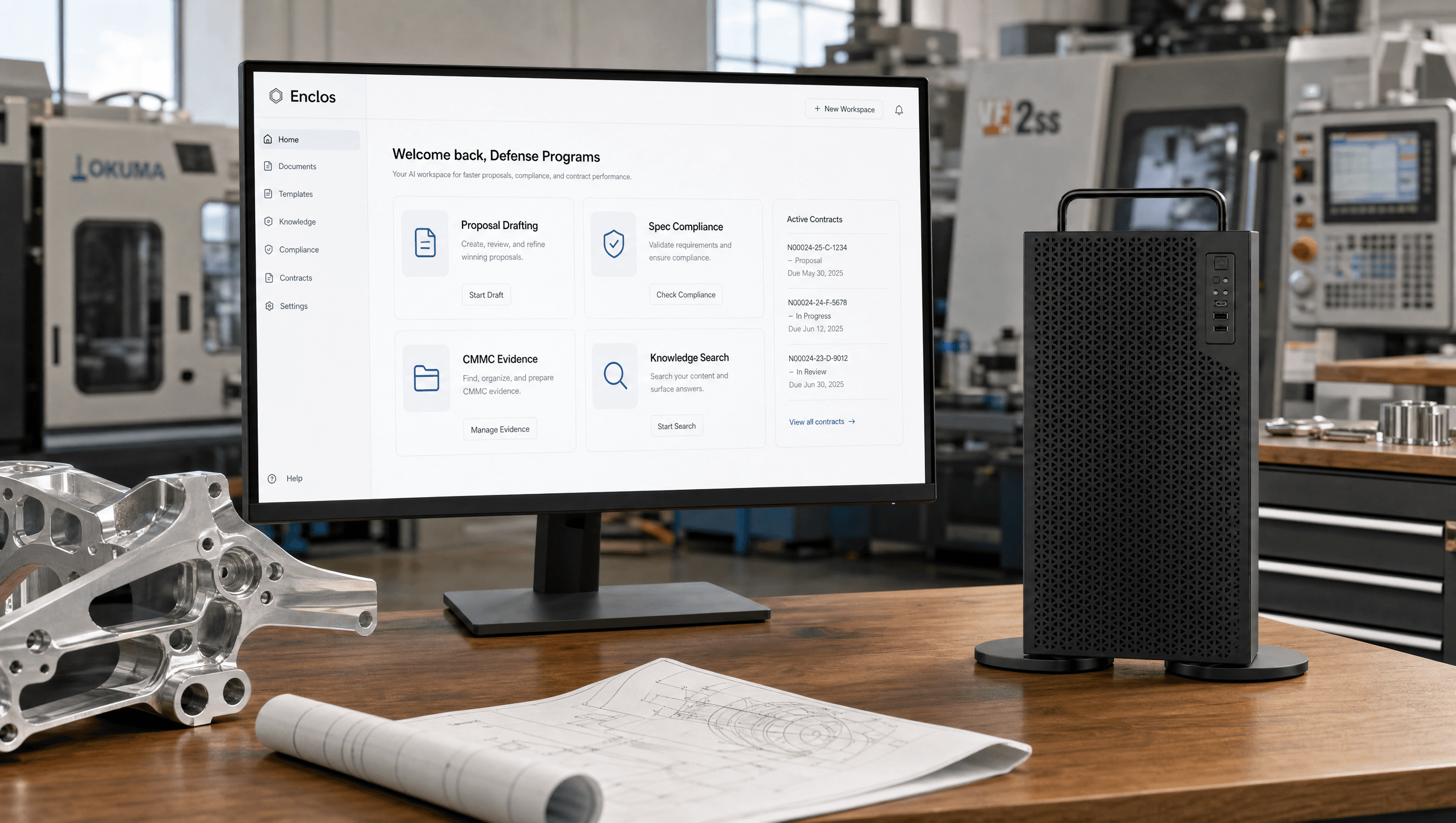
Accessed in a browser.
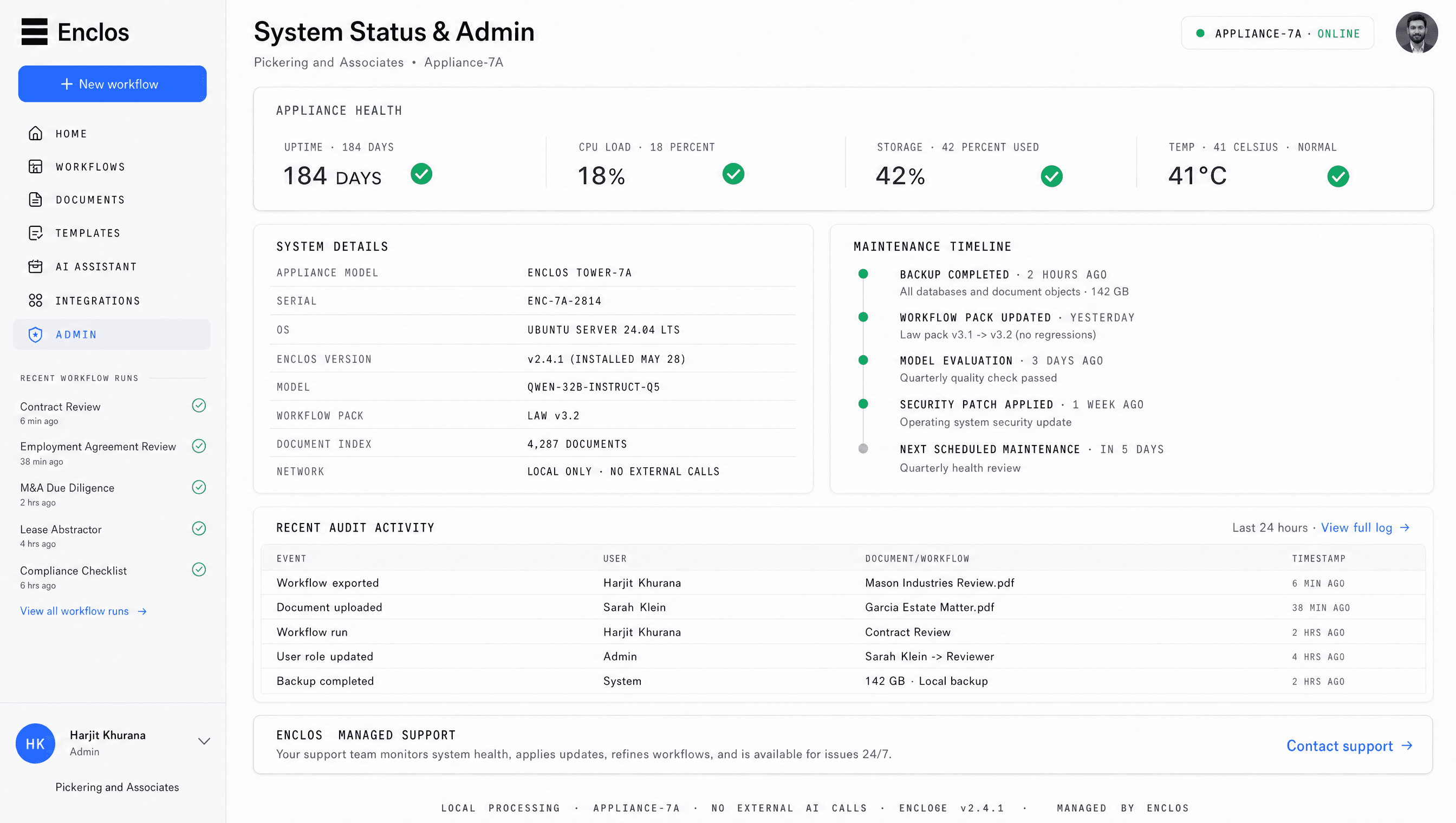
Your team opens Enclos in a browser to upload documents, run workflows, review outputs, and export work.
[ 3 ]
Managed by Enclos.
Enclos handles setup, updates, support, monitoring, workflow improvements, and system health.
[ 01WHAT CLIENTS RECEIVE ]
Enclos is delivered as a complete system, not a software login and not just a hardware box.
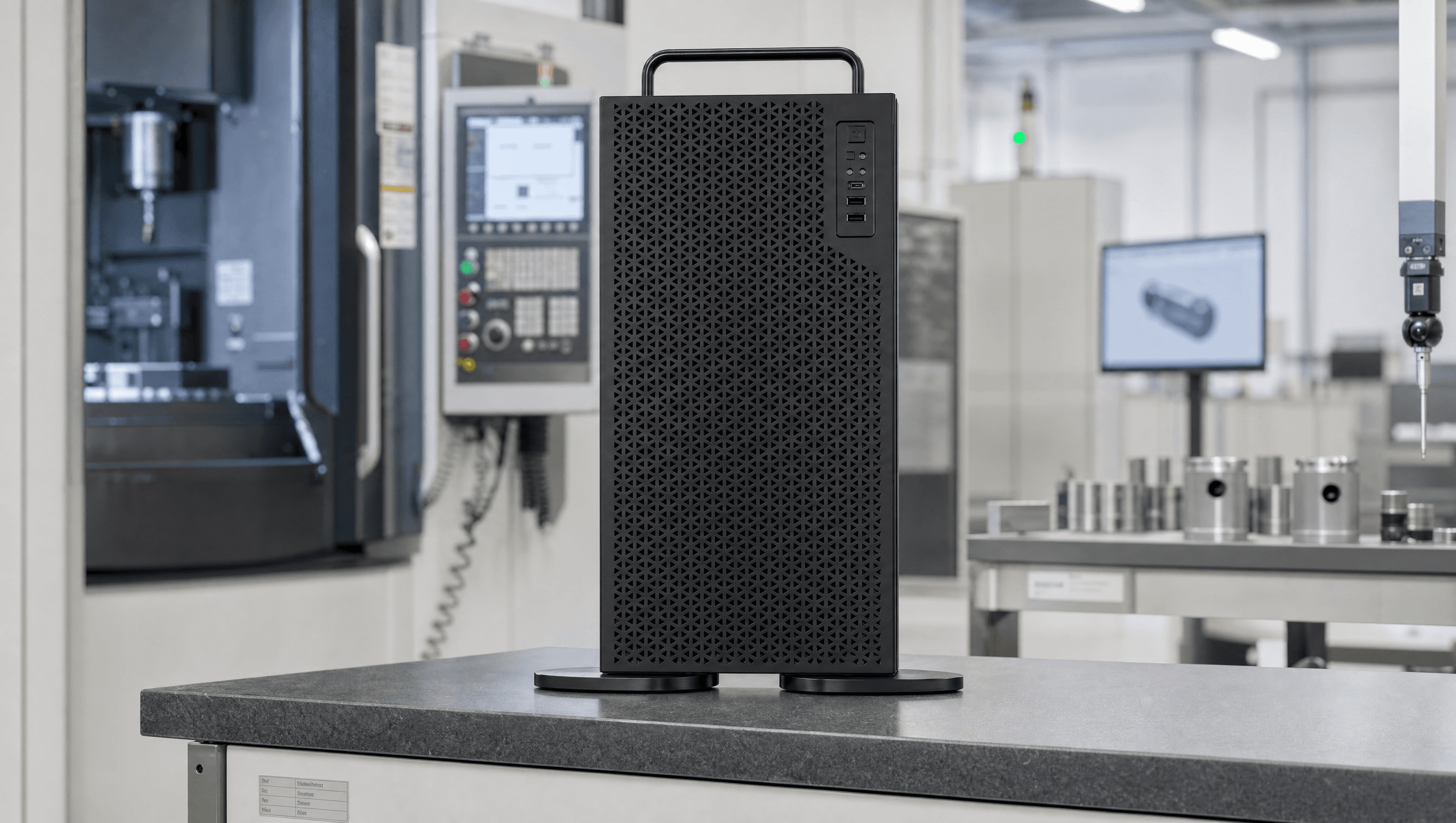
FIG.01Installed in your facility and connected to your local network.
 FIG.02
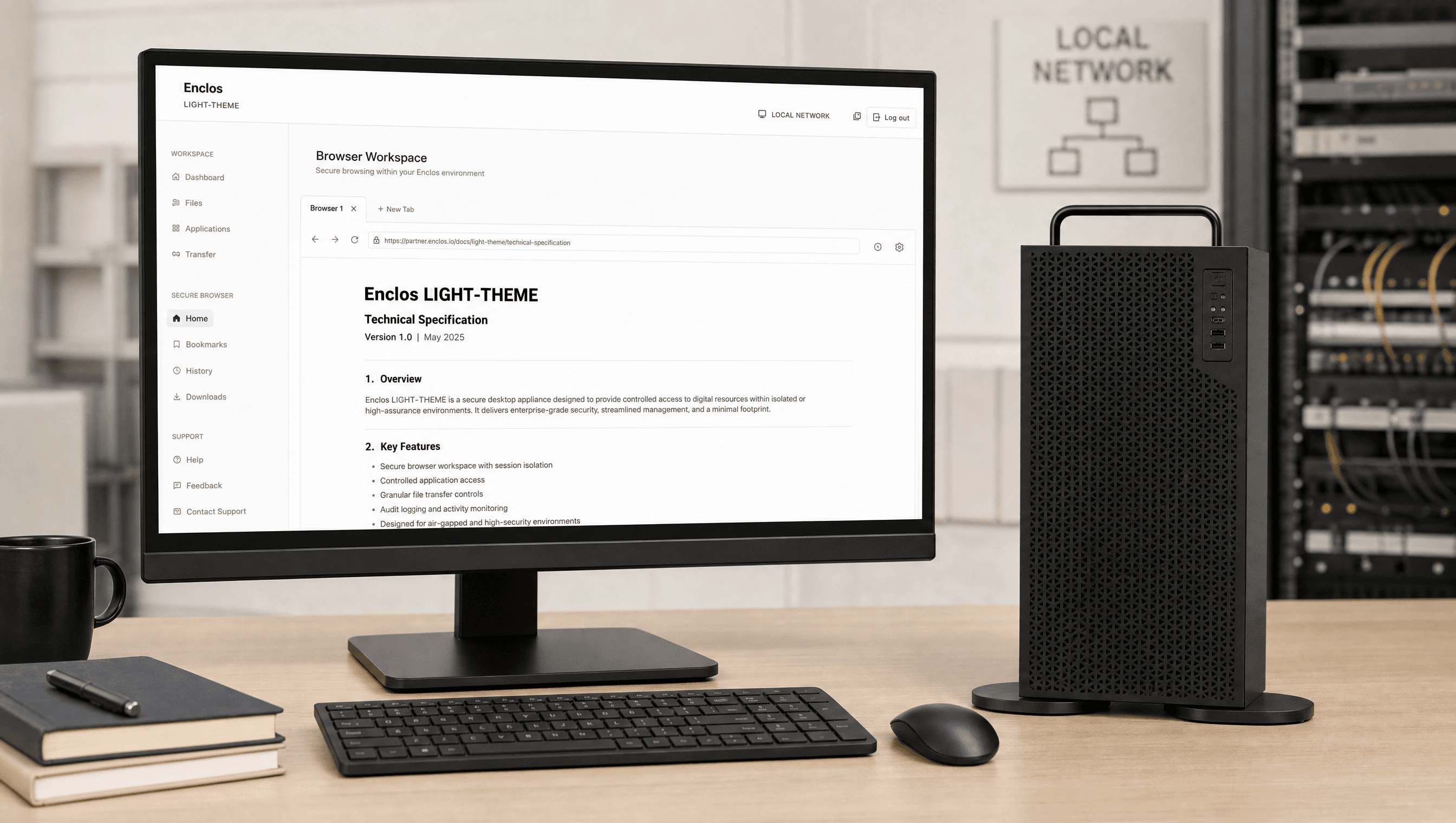
Your team opens Enclos in a browser to upload documents, run workflows, review outputs, and export work.
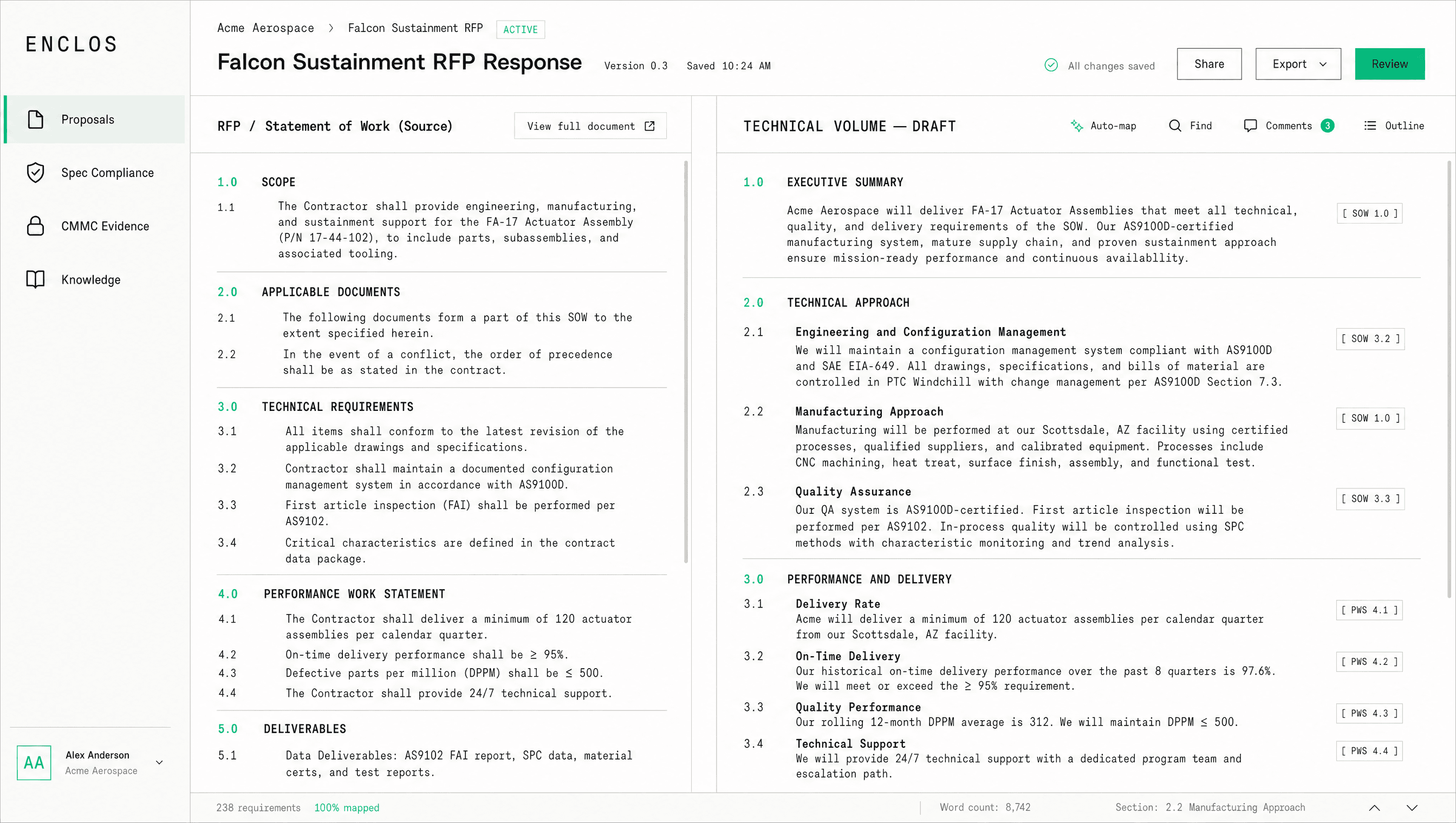 FIG.03
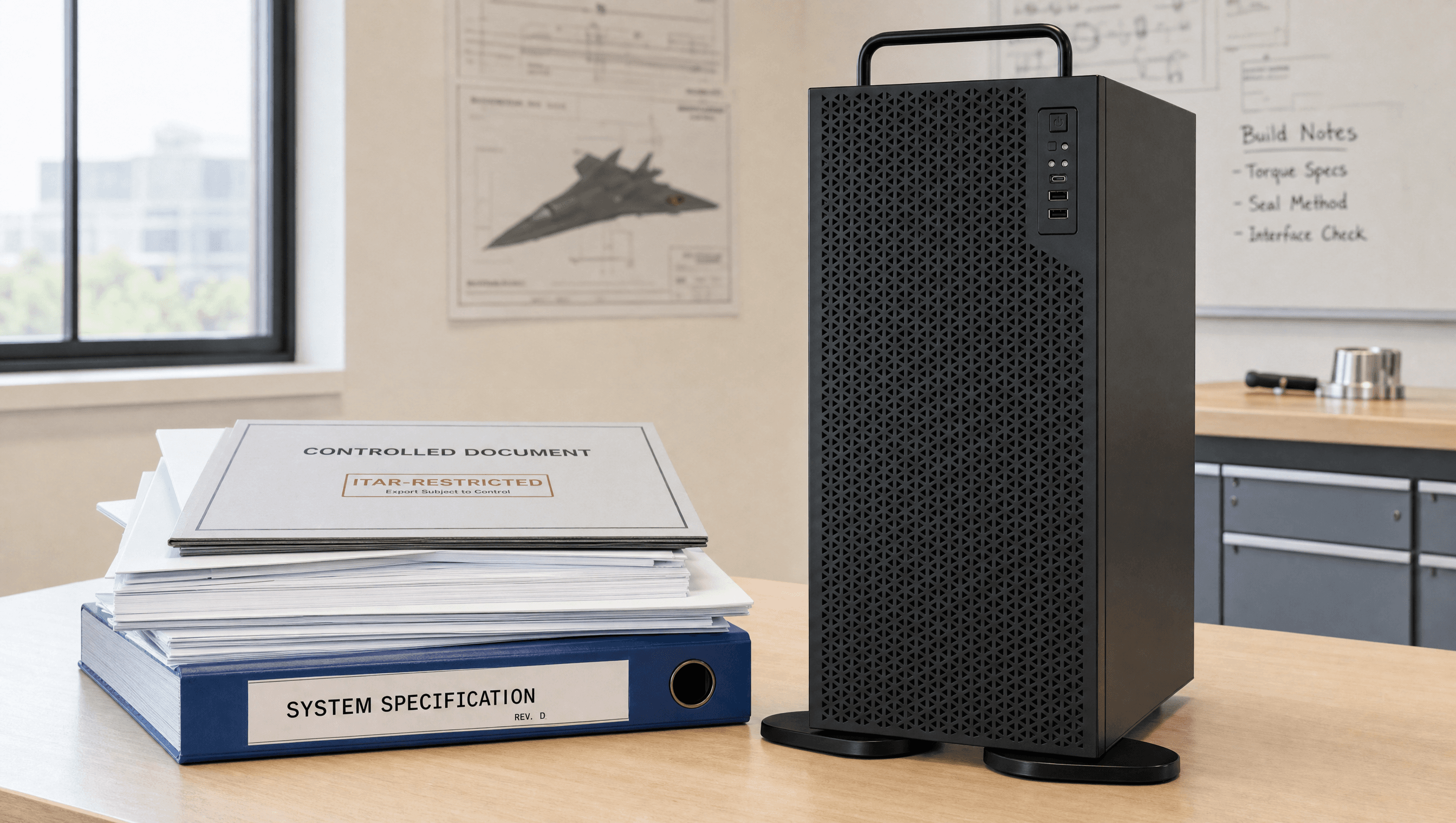
Use AI for summaries, drafting, local research, extraction, document review, and structured reports.
 FIG.04
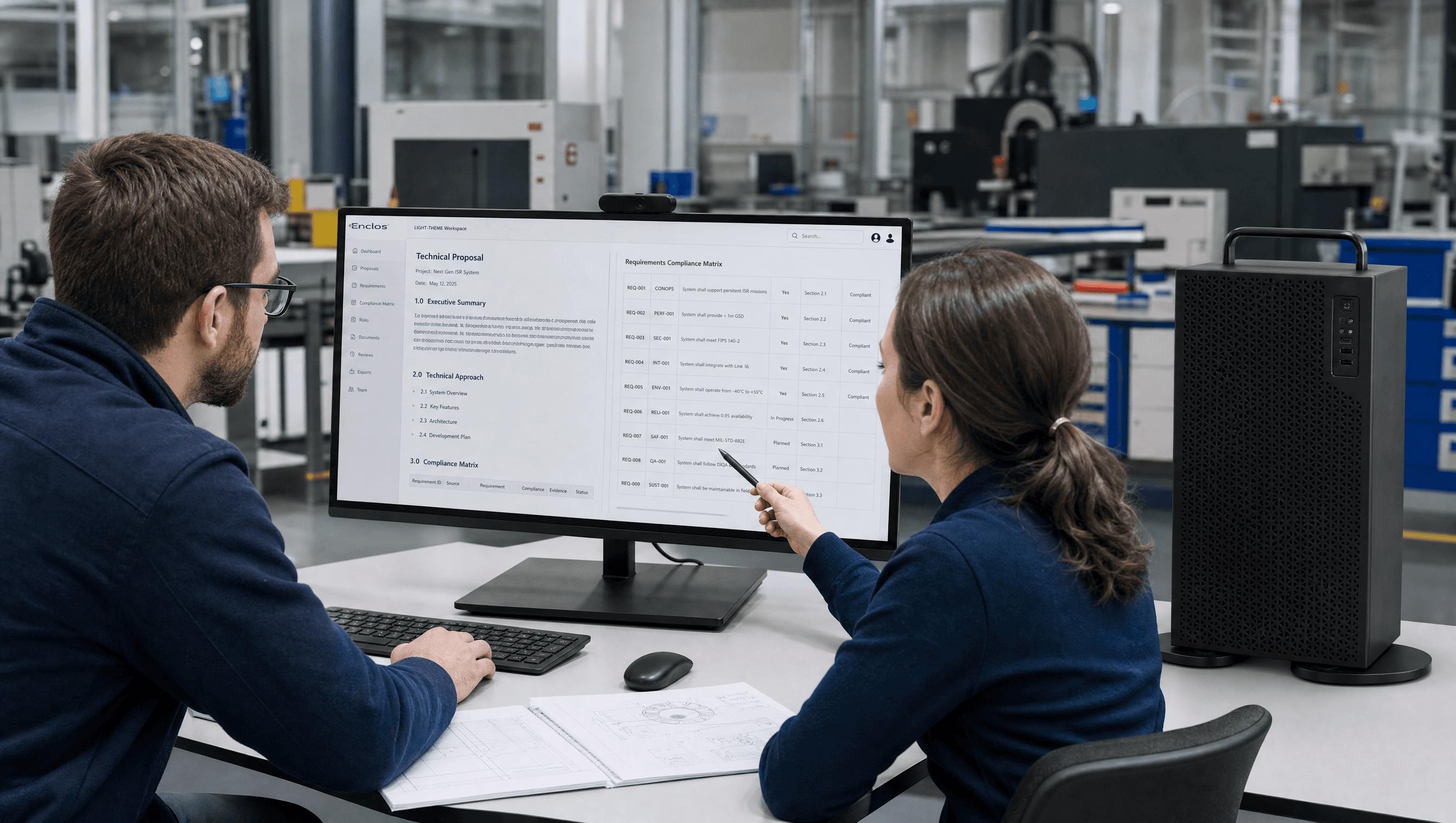
Enclos handles setup, updates, support, monitoring, workflow improvements, and system health.
[ 02HOW IT WORKS ]
Enclos is designed to give your company a practical local AI system without making your team build or manage AI infrastructure.
STEP · 01
A dedicated AI system is prepared for your team and installed in your facility.
STEP · 02
Your team accesses Enclos through a private browser workspace.
STEP · 03
Files are stored, indexed, retrieved, and processed on the appliance.
STEP · 04
Use AI for documents, summaries, drafting, local research, extraction, and review.
STEP · 05
Enclos handles updates, support, monitoring, and system health.
[ THE COMPANY BEHIND ENCLOS ]
Enclos is built by the team behind Digital Storm, a U.S. company that has engineered high-performance and AI hardware since 2002. The same expertise that powers AI workstations and GPU servers now runs your private AI — hand-built, installed in your facility, and supported by a team that has shipped hardware for over twenty years.

EST. 2002
Founded
20+ YEARS
Building hardware
HAND-BUILT
In the USA
AI WORKSTATIONS
& GPU servers
[ 03WORKFLOW TOOLS ]
Enclos is purpose-built for proposals, compliance, and technical documentation, not open ended AI experimentation.
Draft technical and management volumes from the RFP using your past performance and reusable language.
Cross-reference requirements against your proposal or design, line by line, and flag the gaps.
Produce monthly reports, test plans, and engineering documents from your own data.
Find the policies, procedures, logs, and records your assessor asks for, organized for review.
Ask questions across specs, contracts, SOPs, and past work and see where answers came from.
Turn long RFP packages and customer specs into structured summaries with source references.
[ 04WHO IT IS FOR ]
Enclos is designed for the security, operations, and proposal leaders at defense contractors who handle CUI and face CMMC.
[ 05A DIFFERENT SYSTEM ]
ChatGPT, Copilot, and Claude are useful for general work. None are authorized to process CUI. Enclos keeps the AI, the data, and the queries inside your facility.
[ 06THE TRUST LAYER ]
[01]
AI processing happens on the Enclos appliance inside your facility.
[02]
Models, data, queries, and outputs stay local. Nothing is logged to an external server.
[03]
Disconnect the appliance from the internet after setup for fully isolated operation.
[04]
Architecture, data-flow, and configuration records you can hand to your CMMC assessor.
[05]
Enclos produces drafts, summaries, and findings for professional review.
[06]
Enclos handles setup, updates, security patches, models, and monitoring.
Sensitive workflows are processed on hardware installed in your office. Source evidence is shown where available, key activity is logged, and outputs are designed for professional review.
[ 07FOUNDING FIRM PROGRAM ]
We ship the Enclos appliance to your facility, set up the first defense workflows, and run the full managed service for 30 days. Keep it or send it back.
Founding contractors receive the appliance, private workspace, defense workflows, setup, onboarding, managed service, and the documentation for their System Security Plan.
DEFENSE · MANUFACTURING · ENGINEERING — FOUNDING / ENCLOS 2026
[ INCLUDED ]
[ NOT INCLUDED ]
[ 08FAQS ]
Yes. Enclos ships as a complete appliance with the browser workspace, defense workflows, setup, managed service, and the documentation for your System Security Plan.
Those are cloud tools that process and may log your data on vendor servers, and they are not FedRAMP-authorized for CUI. Using them with CUI conflicts with NIST 800-171 and DFARS 252.204-7012.
Enclos is CMMC-ready and provides the architecture, data-flow, and configuration documentation your assessor needs. CMMC certifies organizations, not products, so Enclos supports your assessment but does not by itself certify your company.
On an appliance installed in your facility and connected to your local network. Models, data, queries, and outputs stay on the appliance.
Yes. After setup, the appliance can be disconnected from the internet for fully isolated operation.
No. Enclos is shipped pre-configured and managed remotely. Your team opens a browser. We handle updates, security patches, and models.
[ 09BOOK A DEMO ]
See how the appliance, workspace, defense workflows, and managed service fit together, with AI writing a proposal section or checking spec compliance on your terms.
 Installed in your facility. Accessed in a browser. Managed by Enclos.


